What Dumfernley does with your information
An explanation of the core capabilities that define how Dumfernley classifies, arranges, and presents structured information — described precisely, without overstating what the system does.
Six capabilities that define the system
Each capability describes a specific function the system performs. They are explained separately here to help users understand what to expect from each part of the interface.
Record classification
Dumfernley applies defined classification rules to each item of information it receives. Rules are based on properties such as content type, source identifier, and any metadata supplied with the record. Classification is applied consistently so that records of the same type appear in the same category across all views. This does not require users to sort records manually each time they review the interface.
Structured views
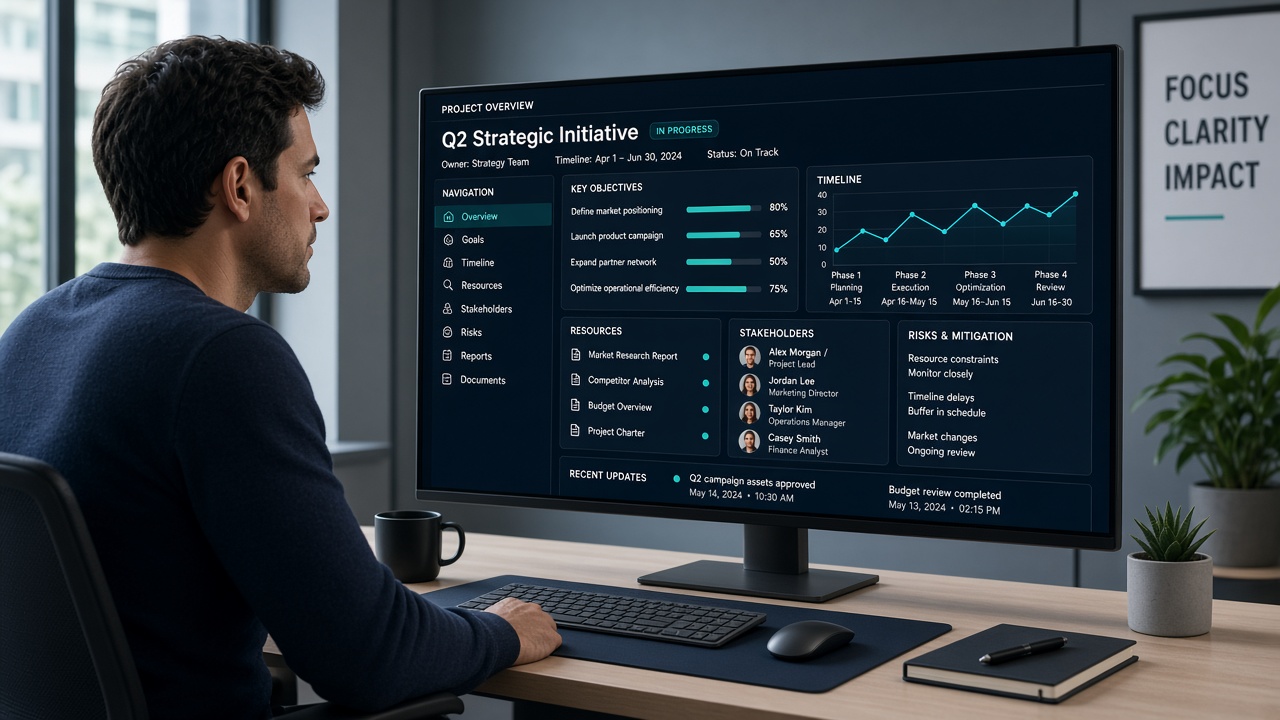
Classified records are assembled into structured views rather than presented as a raw list. A structured view groups related records, applies an ordering logic, and highlights the properties most relevant to the context. Users can navigate between views without needing to understand the underlying classification logic in detail.
Cross-reference identification
When two or more records share a common identifier, overlap in date range, or contain matching content identifiers, the system surfaces them together in a cross-reference view. This allows a user reviewing one record to see related entries without searching for them separately. The relationship indicated is based on shared properties, not a semantic interpretation of meaning.
Chronological arrangement
All records carry a timestamp indicating when the information was received or when it was dated at source. The system uses these timestamps to arrange records in reverse or forward chronological order, depending on the view configuration. This helps users identify what is most recent and trace how a set of records has developed over time.
Filtered navigation
Users can narrow the records shown in a view by applying filters based on category, date range, source type, or status. Filters reduce the displayed set without deleting or archiving records. Removing a filter restores the full classified view. This capability is intended to help users focus on a subset of available information without losing access to the wider set.
Support access and enquiry handling
Requests submitted through the contact form are received by the support team and reviewed in the order they arrive. Users can describe their requirements, ask questions about access, or report a discrepancy in what the system is showing. The team may seek clarification before responding. Response timing is not guaranteed but the team aims to acknowledge requests as promptly as circumstances allow.
What the capabilities do not include
Dumfernley is an information-organisation system. It does not generate predictions, produce recommendations, or create new information from what it receives. The system arranges and displays; it does not interpret or advise.
The platform does not claim to verify the accuracy of the information it organises. Users are responsible for assessing the reliability of the content made available through the interface. The system reflects what has been supplied to it, arranged according to the configuration in place.
No capability described on this page constitutes a promise of a particular outcome. The system performs the functions described when operating under normal conditions, but specific behaviour may vary depending on the access configuration.
Steps to access the Dumfernley interface
Access is provisioned after a review of each enquiry. The following describes what to expect from the process.
Describe your requirements
Use the enquiry form to explain what type of information you work with, what you are looking to organise, and which capabilities are most relevant to your situation.
Review and clarification
The support team assesses your request. In some cases, they will follow up to ask for more detail before completing the review. There is no automatic approval.
Configuration and access
Once access is established, you receive the details needed to use the interface. Your access configuration determines which views and classification categories are available to you.